I’ve seen people ignore their power supply, and later their PC just shuts off mid game. A PSU wattage calculator helps you figure out the right power for your build. Your CPU and GPU pull most of the load, and if the recommended PSU wattage is too low, your gaming PC power supply can struggle. Most modern builds use between 550W and 850W, depending on GPU tier and total computer power consumption.
Before choosing a power supply, you can check overall CPU and GPU balance using our PC Bottleneck Calculator to see how your components interact under load.
I use a power supply calculator to check system power requirements based on all my PC components. It looks at CPU, GPU, storage, fans, and gives an ideal PSU size. I usually add around 20 to 30 percent extra headroom so the system stays stable and ready for future upgrades.
How To Use PSU Wattage Calculator Video
Are PSU Calculators Accurate in 2026?
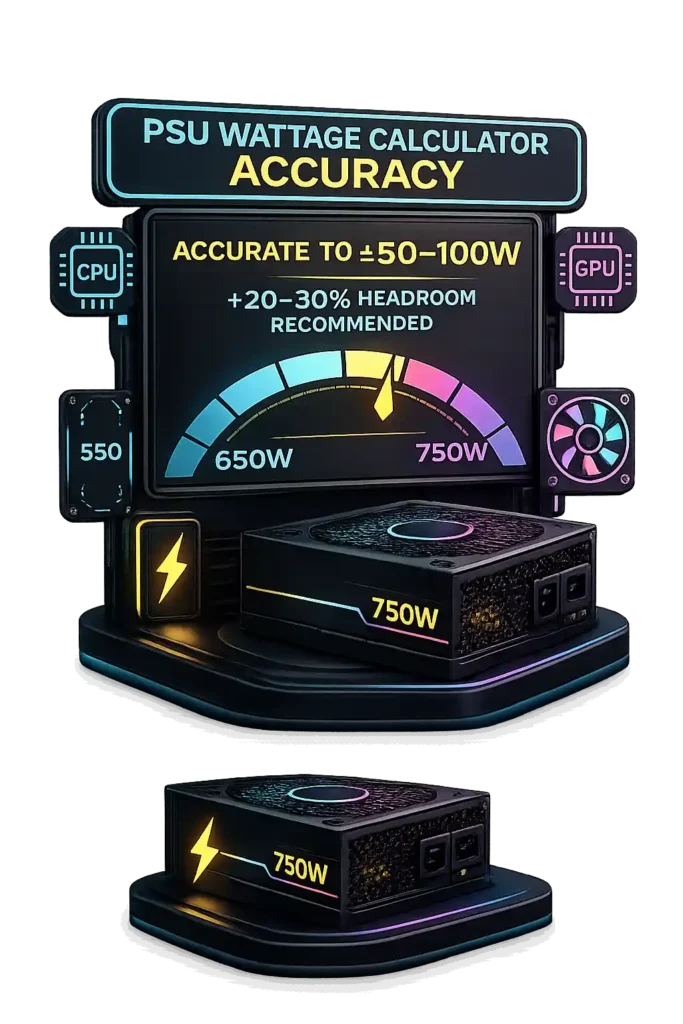
Yes, PSU calculator accuracy in 2026 is generally solid, especially when the power supply wattage estimator uses updated CPU and GPU databases. These tools calculate total PC power consumption using CPU TDP, estimated GPU power draw, storage, fans, and other parts. But here’s the catch. Most calculators rely on rated values, while modern GPUs like RTX 30 and 40 series cards can produce transient power spikes reaching 1.5x to 2x their official wattage for milliseconds. That sudden jump can stress weaker units.
ATX 3.0, introduced in 2022, improved how power supplies handle these spikes by setting stricter excursion limits, which makes newer PSUs more reliable under sudden load changes. Even so, calculators usually carry a margin of error around 10 to 20 percent, often equal to ±50 to 100 watts depending on build size. Overclocking or custom water cooling can further shift real world draw beyond estimates. I usually apply 20 to 30 percent power supply headroom to stay safe. With that buffer, most modern calculators deliver dependable results.
Why Do PSU Calculators Show Different Wattage Results?
PSU calculator differences happen because each tool uses a different method to generate a power supply wattage estimate. Some calculators pull numbers strictly from CPU TDP and base GPU specifications. Others use real world benchmark data that reflects CPU TDP vs real power draw under heavy load. The database behind the tool also matters. If one calculator updates GPU models faster, its PC power consumption calculation will look different from an older system.
Another big reason is how the tool handles GPU transient spikes. Modern graphics cards can spike up to 2× their rated power for a few milliseconds. Newer calculators factor in these spikes, especially those aligned with the ATX 3.0 standard introduced in 2022. Older calculators may ignore spike behavior and only calculate steady load. Power supply headroom also changes results. Some tools apply a 10 percent buffer, others 20 or even 30 percent. Efficiency assumptions like 80 PLUS efficiency ratings can also shift the final recommendation slightly.
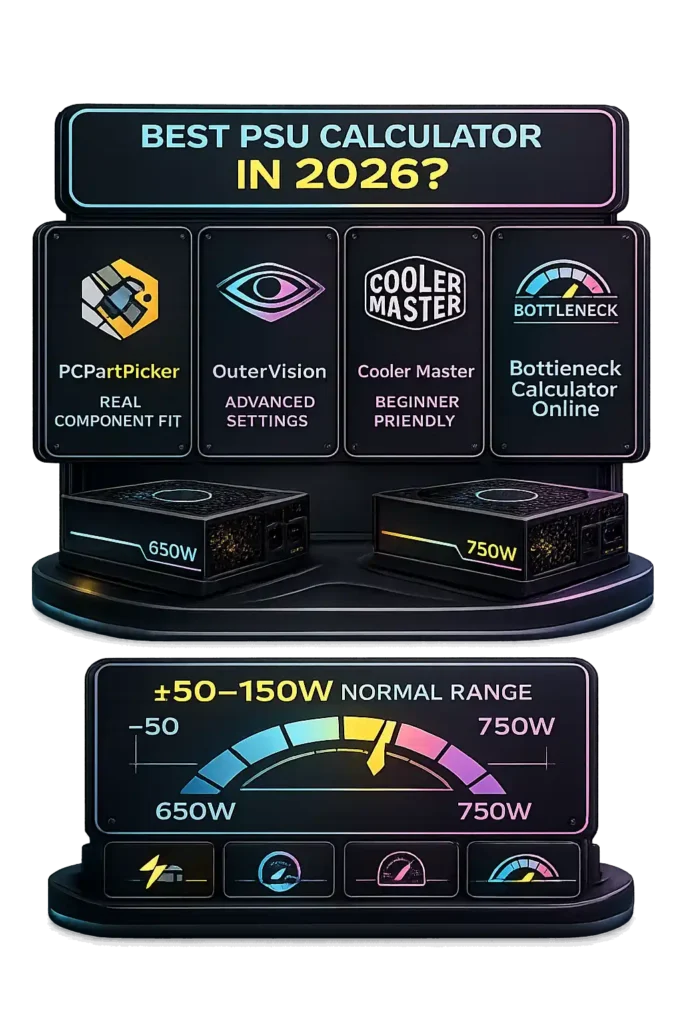
Because of these factors, a 50–150W difference between tools is usually normal. When you apply a 20–30 percent safety margin, both estimates typically land within a safe and reliable range.
PCPartPicker vs OuterVision vs Cooler Master vs Bottleneck Calculator Online: Which PSU Calculator Is Best in 2026?
When I compare PSU tools, I look at how they calculate gaming PC wattage estimate, how they treat CPU GPU power consumption, and whether they consider ATX 3.0 power spikes. Modern RTX 40 series GPUs can spike up to 2× rated board power for milliseconds, so spike awareness matters in 2026. A proper PSU calculator comparison shows that each tool solves a slightly different problem.
The PCPartPicker PSU calculator works great for real component compatibility. It aggregates wattage in real time as you build your list. That makes it strong for checking fit and total draw. But it focuses more on part validation than detailed transient modeling or advanced power supply headroom logic.
The OuterVision power supply calculator goes deeper. It allows manual overclocking inputs, capacitor aging, and detailed load settings. That makes it powerful for advanced users. The downside is complexity. New builders may find the interface overwhelming.
The Cooler Master PSU calculator keeps things simple. It provides quick recommendations based on typical system categories. It feels beginner friendly, but the estimates are more generalized and may not deeply factor ATX 3.0 power spikes or specific GPU behavior.
Bottleneck Calculator Online approaches things differently. It connects CPU GPU pairing logic with power supply headroom. It accounts for realistic load balancing and modern transient spike behavior aligned with ATX 3.0 awareness. It focuses on balanced performance builds rather than just raw totals.
In practice, 50–150W differences between tools are normal because each applies different buffer assumptions. For beginners, Cooler Master or PCPartPicker feels easiest. For advanced tweaking, OuterVision wins. For balanced performance builds with upgrade planning, Bottleneck Calculator Online makes the most practical sense.
How Much Extra Wattage Should You Add Above PSU Estimates?
I always add extra wattage above the base estimate. PSU headroom protects stability, keeps the unit inside a healthy power supply efficiency curve, and helps it last longer. A power supply running too close to its limit builds more heat. And heat shortens lifespan. Modern systems also face GPU power spikes, so a small power supply safety buffer prevents random shutdowns during heavy loads.
Recommended 20% Safety Margin
The recommended PSU margin in most builds sits around 20 to 30 percent above calculated draw. If your system estimate shows 600W, I would look at a 750W unit. This extra PSU headroom absorbs transient GPU power spikes, which can briefly hit 1.5x to 2x rated board power. The ATX 3.0 standard improved spike tolerance starting in 2022, but extra margin still improves reliability.
PSUs operate most efficiently around 50 percent load, especially 80 PLUS Gold models. Keeping usage near the 40 to 60 percent range improves efficiency and reduces thermal stress. Running constantly above 80 to 90 percent load may reduce lifespan due to sustained heat buildup.
Headroom for Future GPU Upgrades
GPUs often account for 40 to 60 percent of total system draw. A gaming PC power upgrade from a 200W GPU to a 350W GPU adds roughly 150W demand. Without a future-proof PSU, that jump may require replacing the power supply. Planning for the next-tier GPU avoids that cost. I usually size my unit for the upgrade I expect, not just the hardware I own today.
What Is the Ideal PSU Load Percentage for Maximum Efficiency?
PSU efficiency depends on load percentage, not just total wattage. The ideal PSU load percentage sits where the power supply efficiency curve reaches its peak. A unit does not run equally efficient at all levels. Gaming PC power efficiency improves when the PSU operates in its optimal range instead of near idle or maximum output.
Why 50–60% Load Is Optimal
According to Wikipedia, 80 PLUS certification tests power supplies at 20%, 50%, and 100% load, and efficiency typically peaks between 50–75% load. This range creates the best 50% load efficiency, lower heat output, and improved PSU thermal performance. Less heat means the fan spins slower and voltage regulation stays more stable.
Manufacturer guidance from Seasonic explains that higher-rated models like Gold vs Platinum PSU and Titanium units maintain stronger mid-load efficiency. These higher certifications run cooler and quieter during sustained gaming or workstation workloads, which improves long-term reliability.
Efficiency Drop Above 80% Load
Efficiency declines as load approaches maximum capacity. Above 80–90% load, thermal output rises and fan speed increases to manage heat. Higher sustained temperatures may reduce internal component lifespan.
For most builds, choosing a PSU that runs around 50–60% during typical gaming load delivers the best balance of efficiency, cooling, and durability. If you’re pushing high frame rates, you can also verify that your system is actually outputting stable refresh performance using our Refresh Rate Test.
Why You Should Avoid Running Your PSU at Full 100% Load
Running a PSU at 100% capacity removes any safety buffer. A power supply overload leaves no room for sudden demand changes. Real-world gaming loads constantly fluctuate, not stay fixed. When the unit operates at maximum output, even small spikes can create system instability due to PSU limits.
Power Spikes and System Instability
Modern GPUs can generate GPU power spikes reaching 1.5× to 2× their rated board power for milliseconds. These transient power excursions happen during scene changes or heavy rendering bursts. If the PSU already runs near full load, those spikes may trigger shutdowns, random reboots, or voltage instability.
The ATX 3.0 standard improved handling of these excursions by setting stricter spike tolerance rules. However, even ATX 3.0 units are designed to manage short bursts, not sustained 100% load conditions. Most quality PSUs are rated to handle peak load briefly, not operate continuously at maximum capacity.
Heat and Reduced Lifespan
Higher load increases PSU thermal stress. Efficiency declines as output approaches maximum rating, which means more wasted energy turns into heat. More heat forces higher fan speeds and increases internal temperatures.
Electronics reliability data shows that capacitor lifespan roughly halves for every 10°C rise in operating temperature. Continuous 90–100% usage accelerates aging of capacitors and MOSFETs, reducing overall power supply lifespan.
Keeping typical load around 50–70% improves stability, lowers heat, and protects long-term reliability.
Is 650W Enough for Your PC or Is 750W the Better Choice?
The 650W vs 750W PSU decision depends on GPU tier, CPU class, and upgrade plans. I never look at total numbers alone. Gaming PC power requirement mostly comes from GPU power consumption, and that can change fast if you upgrade later.
When 650W Is Enough
A 650W unit works well for mid-range vs high-end GPU builds on the mid side. Think 200–250W graphics cards and 65–105W CPUs without heavy overclocking. A typical single-GPU gaming system with a couple of drives and standard cooling usually draws around 400–500W under load. In that case, 650W gives solid PSU headroom in the 20–30% range.
Pair it with a quality 80 PLUS Gold unit and you stay in a healthy efficiency zone. For balanced builds with no extreme cooling or tuning, 650W is cost-efficient and practical.
When 750W Is the Safer Option
If you run a high-end GPU in the 300–350W range, 750W becomes safer. It also makes sense if you plan a future-proof power supply strategy. Upgrading GPUs later is common, and newer cards can spike 1.5× rated power briefly. Extra capacity absorbs those spikes.
Overclocking, multiple drives, or AIO and custom cooling setups also increase load. A 750W unit keeps typical usage closer to 50–60% load, which improves efficiency and longevity.
If your build is mid-range and stable, 650W works. If upgrades or high-end parts are likely, 750W gives better long-term flexibility.
What Happens If Your Power Supply Is Undersized?
An undersized PSU cannot consistently meet total system demand. When the power supply is too small, it struggles during heavy gaming or rendering. Load increases fast, and the unit may not deliver stable output. That is when problems start showing up.
Random Shutdowns
Random PC shutdowns happen when power demand exceeds the unit’s capacity. During gaming or stress testing, GPU power spikes can briefly reach about 1.5× rated draw. If the PSU is already near its limit, PSU overload protection like OCP or OPP activates. That protection shuts the system down to prevent damage.
You may see a sudden reboot, black screen, or system crashes under load. Sometimes the PC freezes without warning. These issues often appear only during heavy workloads, which makes them harder to diagnose. However, in online multiplayer games like Valorant, similar symptoms can also be caused by high latency or packet loss rather than power issues, so it’s smart to verify your connection using our Valorant Ping Test before replacing hardware.
Performance Throttling
Voltage instability also triggers performance throttling. When the PSU cannot maintain stable voltage, the CPU and GPU may automatically downclock to reduce power draw. That means lower boost speeds and fewer frames per second.
The system may feel inconsistent even if it does not fully shut down. Persistent overload increases heat inside the unit and stresses internal components. Over time, that strain can shorten PSU lifespan.
Choosing proper wattage with 20–30% headroom prevents instability and protects hardware.
How to Manually Estimate PSU Wattage for Your PC Build
I like doing a manual PSU wattage calculation to double check any tool result. It helps verify the PC power consumption estimate and makes sure I leave proper headroom. The math is simple, and it gives a solid recommended PSU size before buying anything.
CPU + GPU Power Calculation
Start with CPU TDP. Most desktop CPUs fall between 65W and 125W. Then add GPU board power. Mid-to-high tier cards usually sit between 200W and 350W. These two parts alone often account for 60–75% of total system draw.
For example, a 95W CPU plus a 250W GPU equals 345W baseline. That number forms the core of your gaming PC wattage calculation.
Adding Motherboard, Storage, and Fans
Next, estimate the supporting parts. Motherboard and RAM together typically use around 40–60W. Each SSD consumes about 3–5W. HDDs use about 6–9W each. Case fans draw roughly 2–4W per fan. An AIO pump adds about 5–10W.
In many builds, this adds around 70W overhead. So 345W plus 70W equals about 415W total estimated load.
Apply 20% Safety Buffer
Now apply a power supply safety buffer. Multiply total load by 1.2 to add 20% headroom.
415W × 1.2 equals roughly 500W minimum recommendation. From there, round up to the next standard size, like 550W or 650W.
This method gives a reliable baseline estimate and keeps your system stable under load.
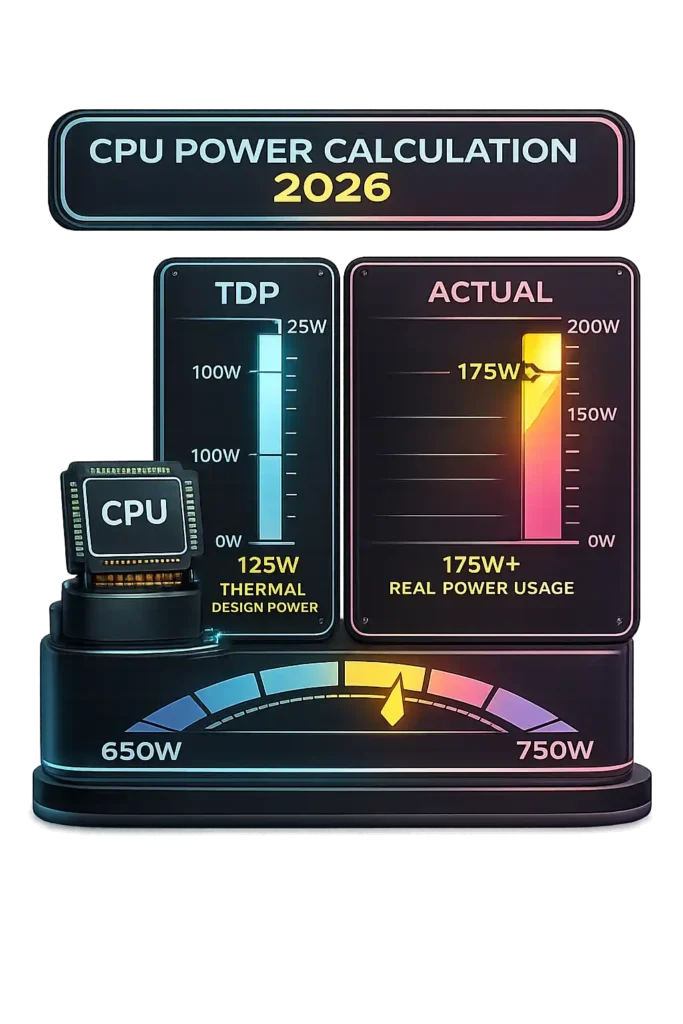
CPU Power Calculation: TDP vs Actual Power Consumption
Thermal design power, or TDP, measures expected heat output under standard load. It does not equal exact electricity use. When comparing CPU TDP vs real power draw, the difference becomes clear during heavy workloads. Modern processors use dynamic frequency scaling and turbo boost technologies. These features increase clock speeds when thermal and power limits allow.
Memory speed and latency also influence CPU behavior. You can calculate true memory response time using our RAM Latency Calculator.
Because of that behavior, actual CPU wattage often exceeds listed TDP. A processor rated at 125W thermal design power may draw 150–200W under full turbo load. Processor power usage under load changes depending on workload intensity, motherboard power limits, and cooling capacity.
Relying only on TDP may underestimate PSU wattage calculation needs. Real-world load and boost behavior must be included to size a power supply correctly.
SSD vs HDD Power Consumption: What’s the Real Difference?
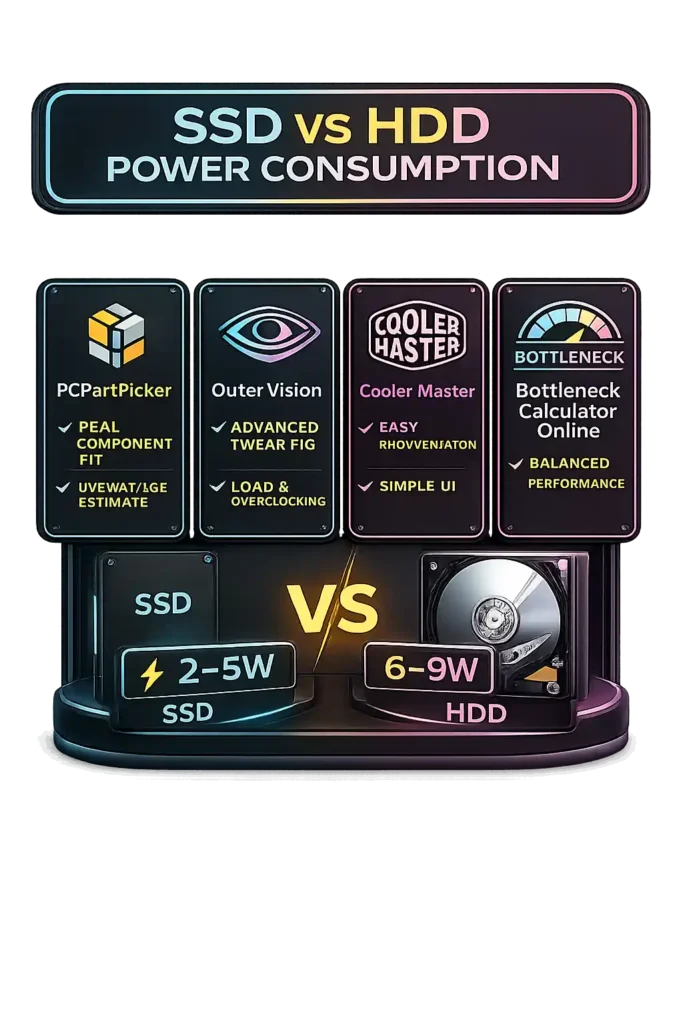
SSD power consumption is much lower than HDD power draw. A typical solid state drive uses about 2–5W under load and less than 1W at idle. NVMe vs SATA power usage shows NVMe drives can draw slightly more under heavy transfers, but the difference stays small.
A 3.5 inch hard drive wattage is higher because it uses moving mechanical parts. The internal motor spins platters constantly, which increases PC storage power usage. Most HDDs draw around 6–9W when active and 4–6W at idle. During startup spin-up, power draw can spike even higher for a few seconds.
SSDs rely on flash memory, so they consume less power and generate less heat. While storage power is small compared to CPU or GPU usage, multiple drives can increase total gaming PC wattage calculation slightly. For efficiency-focused builds, solid state drive efficiency makes SSDs the better option.
If you plan to run multiple drives in RAID for speed or redundancy, our RAID Calculator helps estimate usable capacity and storage efficiency.
GPU Power Calculation: TDP vs Actual Power Draw
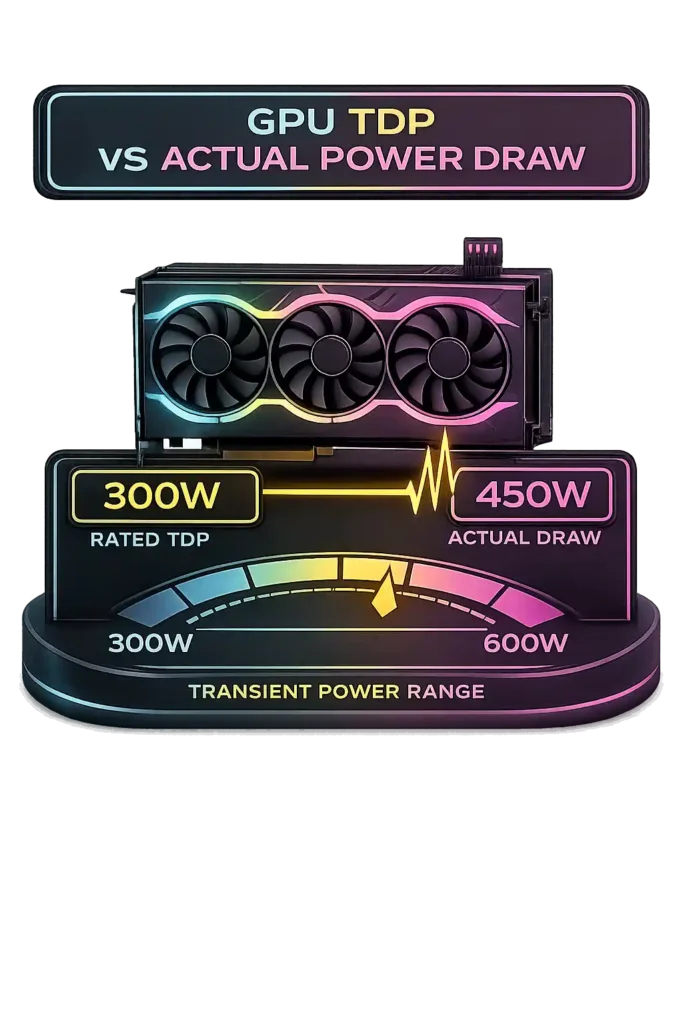
GPU TDP vs real power draw is not the same thing. Manufacturers list Total Board Power (TBP) as the typical load under normal gaming conditions. That number gives a baseline for gaming GPU wattage, but it does not represent maximum behavior.
Modern GPUs adjust frequency and voltage dynamically depending on workload and thermal limits. During heavy scenes or boost states, real-world draw can exceed rated TDP. High-end GPUs rated at 300W may generate GPU power spikes reaching 1.5× to 2× rated board power for milliseconds. These transient power excursions happen quickly but place real stress on the power supply.
The ATX 3.0 standard introduced defined power excursion limits to handle these short-duration spikes more safely. However, relying only on TBP can underestimate PSU sizing for GPU needs. Accurate power planning must consider real-world load behavior and apply proper headroom to maintain system stability.
Can You Safely Run an RTX 3070 Ti on a 550W PSU?
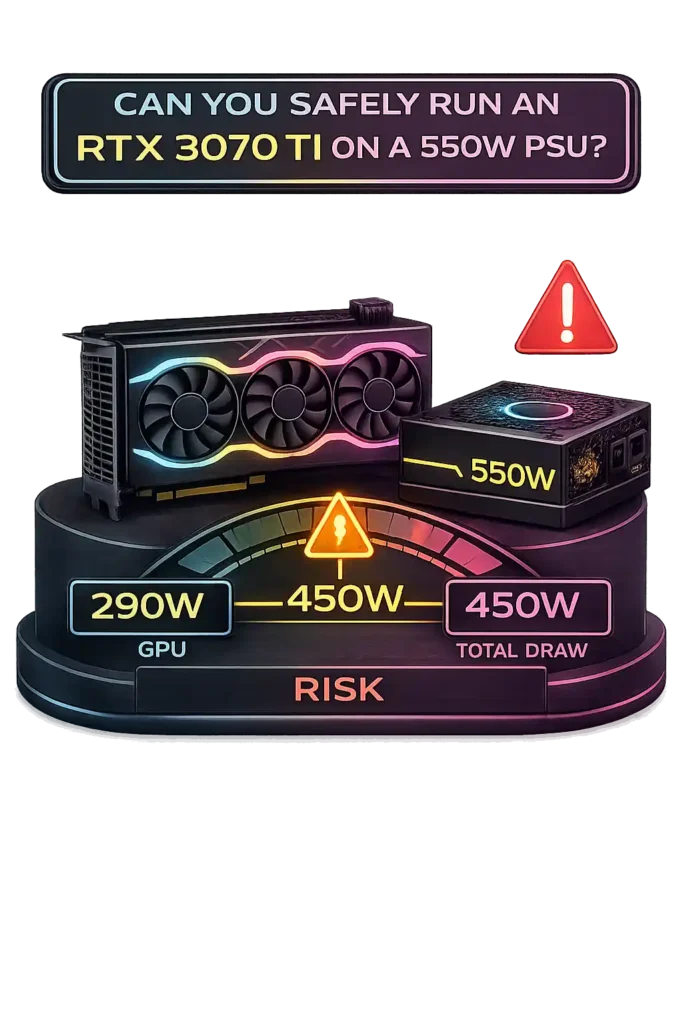
RTX 3070 Ti power consumption sits around 290W Total Board Power based on manufacturer specifications. NVIDIA PSU recommendation for systems using this GPU is 750W. That number includes room for CPU load and transient behavior.
If you pair the card with a mid-range 65W CPU, total gaming PC wattage requirement may reach about 400–450W under load. In that scenario, a 550W PSU for 3070 Ti could technically power the system. But the power supply headroom becomes tight.
Modern GPUs generate GPU power spikes that can briefly exceed rated draw. Those spikes may push total demand beyond safe limits on a 550W unit. The risk increases with older or Bronze-rated power supplies that handle transient loads less efficiently. System instability, sudden shutdowns, or stress-test failures may appear.
While 550W might function in a carefully balanced build, a 650W–750W unit provides safer long-term reliability and proper headroom.
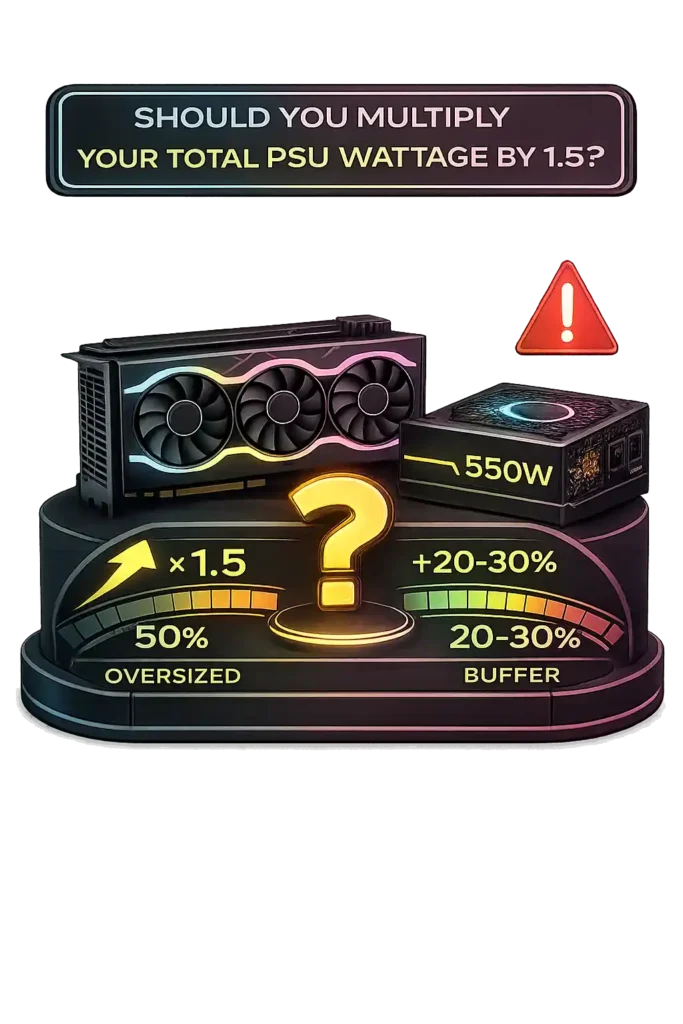
Should You Multiply Your Total PSU Wattage by 1.5?
Many people say you should multiply wattage by 1.5 when doing a PSU headroom calculation. That means adding a 50% power supply safety margin. For most modern gaming PC power planning, that is usually excessive. Industry best practice recommends a 20–30% recommended PSU buffer, not 50%.
Yes, GPUs can create ATX 3.0 transient spikes that briefly reach around 1.5× rated board power. But ATX 3.0 units are designed to handle those short excursions without needing massive oversizing. Adding a reasonable buffer already accounts for real-world load changes.
Oversizing too much can push the PSU into very low load levels, often below 30–40% during typical gaming. That reduces efficiency and increases upfront cost without real benefit.
Multiplying wattage by 1.5 may make sense for extreme overclocking or planning for a future high-end GPU upgrade. For a typical gaming build, a 20–30% safety margin provides balanced stability and efficiency.
Is Running Your PSU at 85% Load Unsafe?
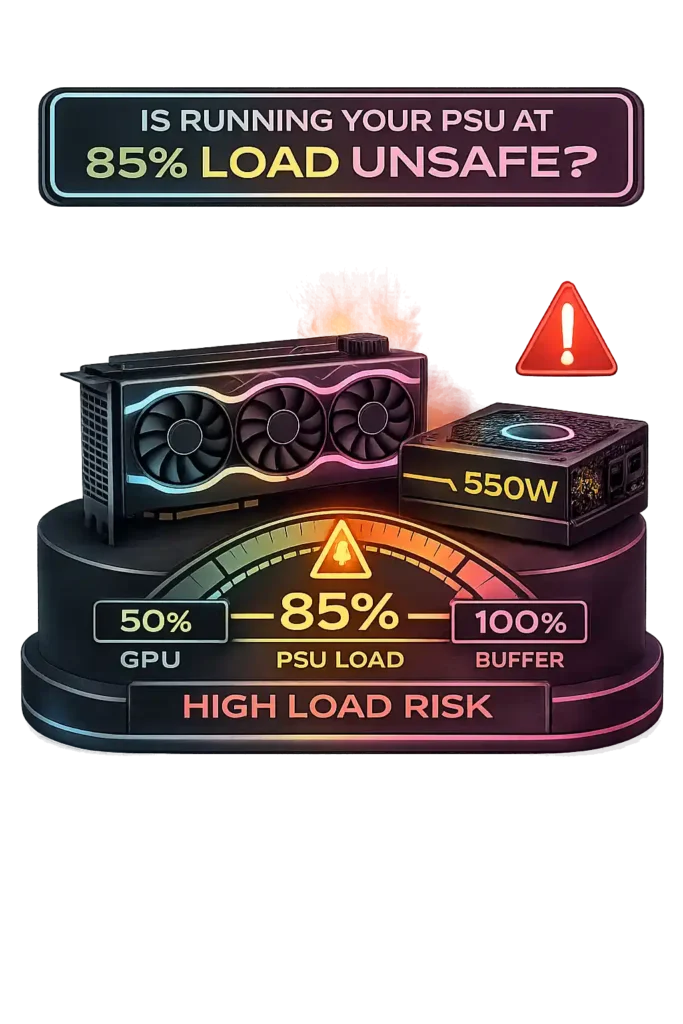
Running a PSU at 85% load is not immediately dangerous if you use a quality unit. Most reputable power supplies are built to operate safely within their rated limits. So a PSU 85% load condition does not mean instant failure.
However, power supply efficiency drops as load moves away from the 50–60% sweet spot. Higher load increases power supply heat output and fan noise. Sustained operation in the 80–90% range keeps internal temperatures elevated, which can shorten PSU lifespan under load over time.
Certification levels also matter. 80 PLUS Bronze vs Gold units meet defined efficiency targets at different load points. According to TechRadar, selecting at least Bronze or Gold-rated units for a gaming PC PSU recommendation improves efficiency and reduces excess heat compared to lower-tier models. Better efficiency means less wasted energy and lower internal stress.
Occasional spikes to 85% are acceptable. But running near maximum capacity every day is not ideal. Adding reasonable headroom improves stability and long-term reliability.
Is 80% PSU Utilization the Ideal Safe Range?
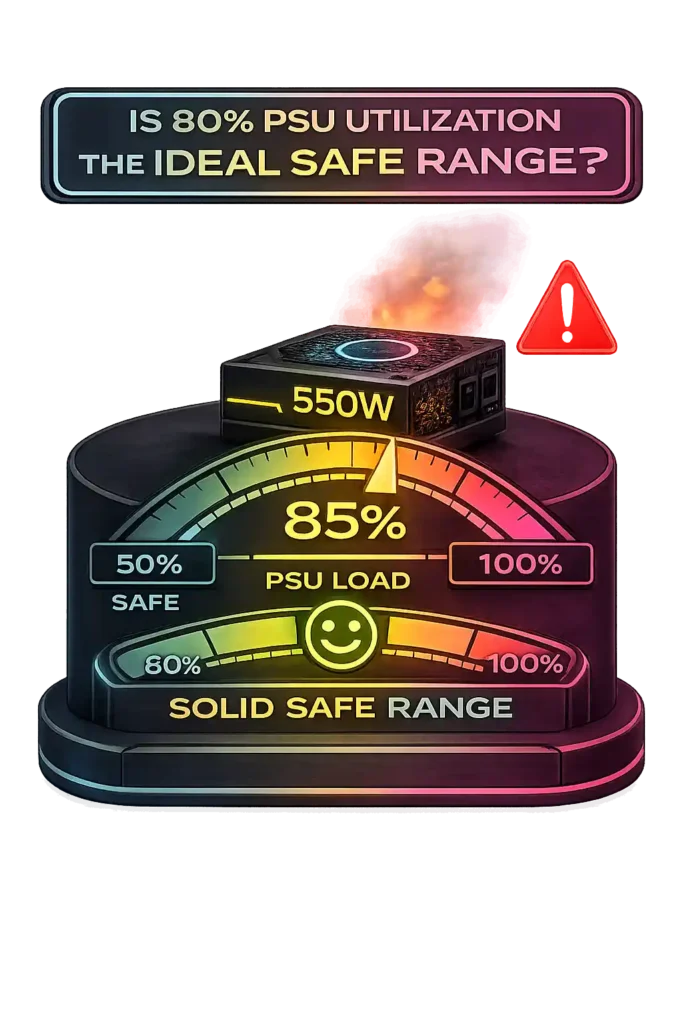
80% PSU utilization is generally safe for a quality unit, but it is not the ideal efficiency point. Most power supplies operate safely within their rated limits, so this level falls inside the safe PSU operating range. However, it does not represent the peak of the PSU efficiency curve.
Under 80 PLUS certification testing, units typically reach highest efficiency around 50–60% load. That range delivers better gaming PC power efficiency, lower heat, and quieter fan behavior. At 80% power supply load percentage, the PSU remains stable but produces more heat and often increases fan speed.
Sustained operation above 80% may increase internal temperatures, and long-term thermal stress can reduce component lifespan. Occasional spikes to 80% during heavy gaming sessions are normal and safe.
For balanced performance, planning typical gaming load around 50–70% provides better efficiency, lower noise, and improved longevity.
Power Meter vs PSU Calculator: Which Should You Rely On?
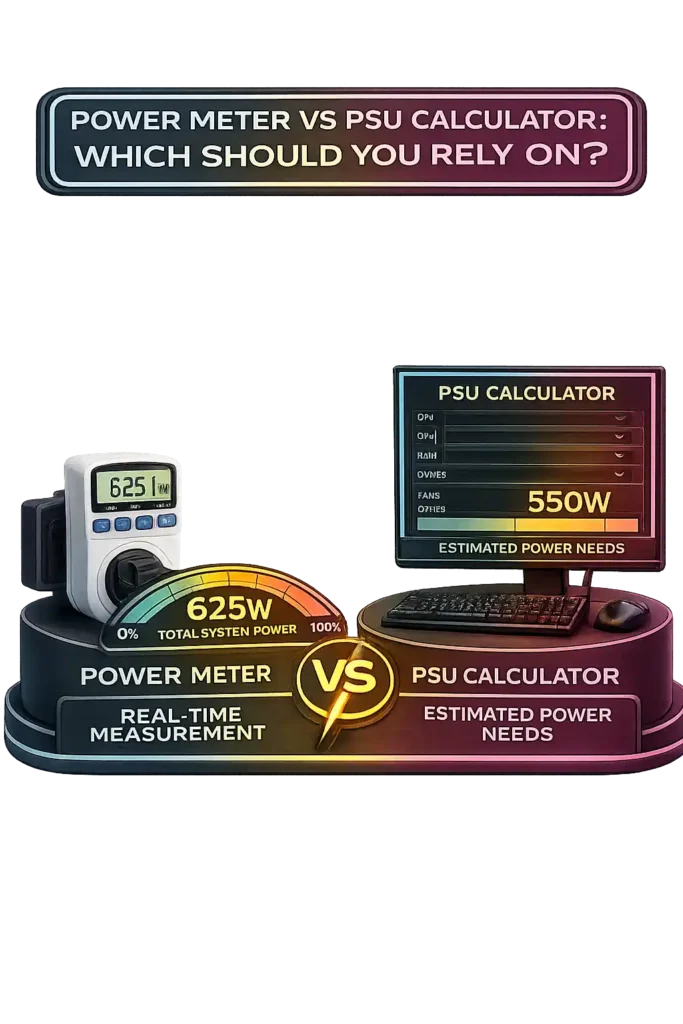
The difference between a power meter vs PSU calculator comes down to timing and purpose. A PSU calculator estimates power needs before you build or upgrade. A power meter measures real-time wall power consumption after the system is already running.
A PSU calculator works at the component level. It adds estimated DC power draw from the CPU, GPU, storage, and fans. That gives you a projected gaming PC wattage measurement for planning. In contrast, a power meter reads AC vs DC power draw from the wall. It shows total AC input, which includes PSU efficiency loss. For example, if your PC components use 500W DC and the PSU runs at 80% efficiency, wall power consumption may reach around 625W.
Power meters reveal real-world PC power usage during gaming, rendering, or stress testing. They capture spikes and fluctuations that calculators may average out. However, they only work after the system exists.
For planning builds or upgrades, a PSU calculator remains the practical tool. For verifying actual behavior and checking efficiency, a power meter provides direct evidence. Using both delivers the clearest picture of total system power needs.
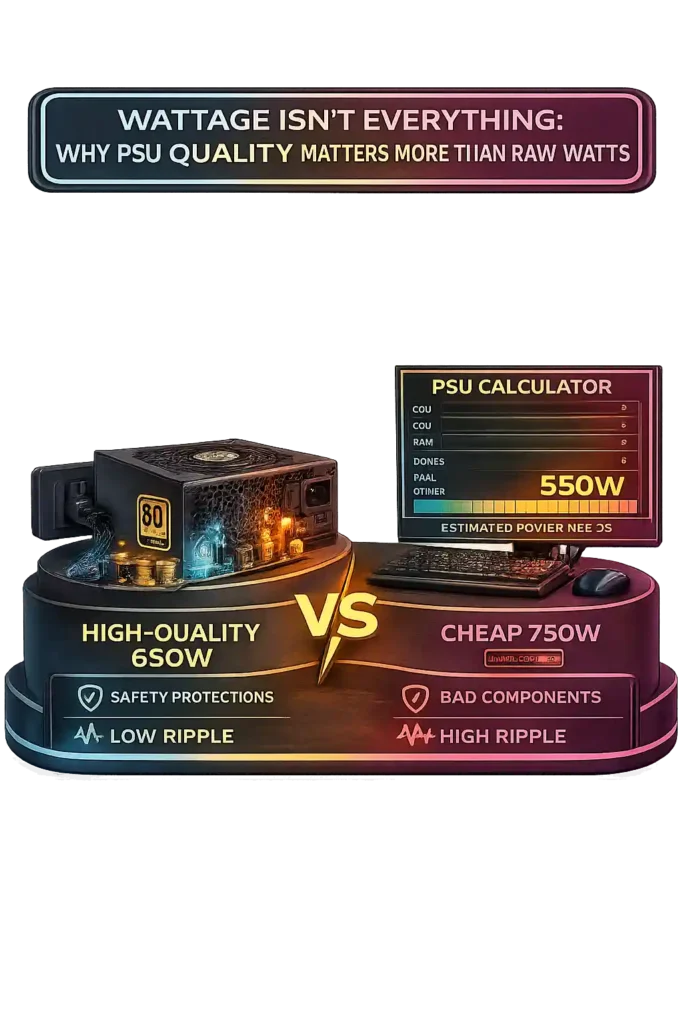
Wattage Isn’t Everything: Why PSU Quality Matters More Than Raw Watts
Wattage shows maximum capacity, not build quality. PSU quality vs wattage is a real difference. A unit rated at 750W does not automatically provide better power supply stability than a well-built 650W model. Internal design determines how safely that power gets delivered.
A cheap vs premium PSU comparison makes this clear. A high-quality 650W unit from a reputable brand often outperforms a low-quality 750W model. Better capacitors, stronger MOSFETs, and modern topology improve voltage regulation and durability. Lower-end units may struggle under sustained load even if the label shows higher wattage.
The PSU tier list explained online usually ranks units by platform quality, protections, and reliability. A-tier and B-tier ratings reflect internal design strength, not just capacity. Safety protections such as OCP, OVP, OPP, and SCP prevent damage during overload or faults.
80 PLUS Bronze vs Gold ratings measure efficiency, not total build quality. However, higher-rated units often use better components and waste less power as heat, which improves long-term stability.
According to Tom’s Hardware, professional transient response testing, ripple suppression analysis, and voltage regulation checks determine real stability. Poor ripple suppression can slowly damage sensitive components.
Do You Need an ATX 3.0 or PCIe 5.0 Power Supply in 2026?
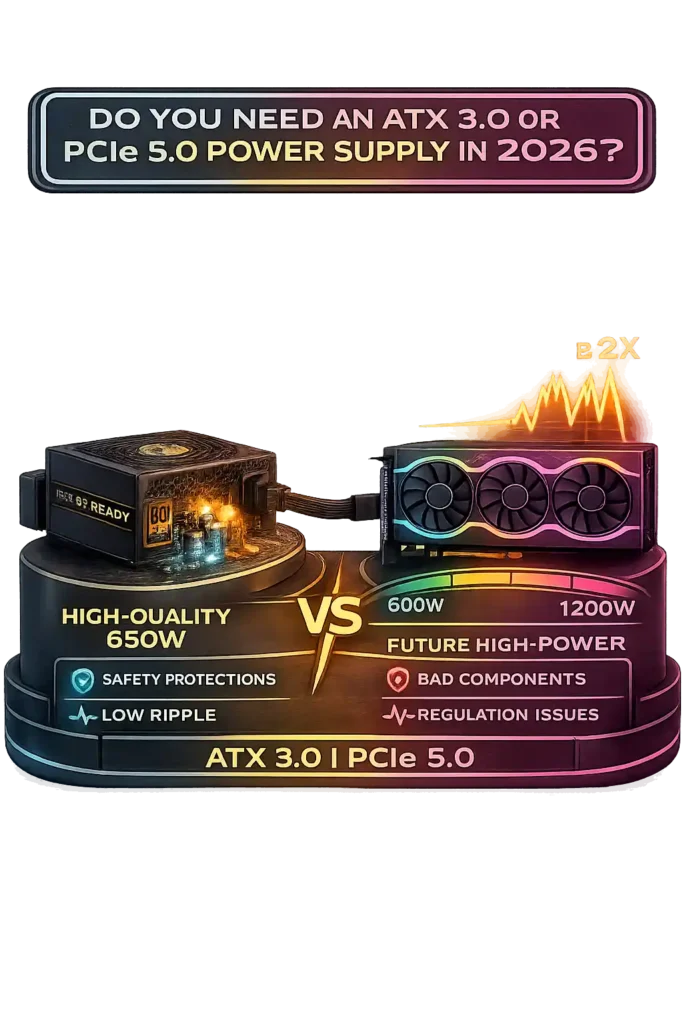
ATX 3.0 is more than a new connector update. It introduced stricter ATX power excursion standard rules. According to Intel’s ATX 3.0 design guide, modern PSUs must handle transient power spikes significantly above their rated output without shutting down. That change directly targets GPU transient power spikes seen in new graphics cards.
ATX 3.0 PSU models also introduced the 12VHPWR connector, now evolving into the 12V-2×6 cable. This single cable can deliver up to 600W to a GPU, replacing multiple 8-pin connectors. As explained in technical breakdowns from DarkFlash, the new connector and updated spike requirements were created to support high-power GPUs safely.
RTX 40 series power requirements show why this matters. These GPUs can generate short bursts up to 2× their rated board power. Older ATX 2.x units were not designed for that level of excursion. Even if wattage seems sufficient, sudden spikes may trigger protection shutdowns.
A high-quality older Gold unit may still function in some builds. However, a PCIe 5.0 power supply built under ATX 3.0 or newer ATX 3.1 standards is engineered to absorb these spikes while maintaining voltage stability.
For RTX 40 and upcoming RTX 50 series systems, a modern gaming PSU that supports ATX 3.0 is the safer long-term choice.
PSU Load Efficiency & Electricity Cost Comparison (Bronze vs Gold vs Platinum)
PSU efficiency comparison depends on load percentage and certification level. According to Wikipedia, power supply load efficiency typically peaks around 50–75% load and drops at very low or near-maximum levels. Higher efficiency reduces wasted energy as heat and lowers long-term electricity cost, You can estimate your exact annual system power expense using our Electricity Cost Calculator based on your daily usage and local energy rates.
Assumptions: 750W PSU, 500W DC system load, $0.15/kWh, 6 hours daily usage.
| PSU Wattage | Load % | Bronze Eff. | Gold Eff. | Platinum Eff. | Wall Draw (W) | Monthly Cost | Heat Difference | 5-Year Cost Diff |
|---|---|---|---|---|---|---|---|---|
| 750W | 30% | 84% | 88% | 91% | 595W / 568W / 549W | $16.07 / $15.34 / $14.83 | Bronze +46W vs Plat | ~$75 |
| 750W | 50% | 85% | 90% | 92% | 588W / 556W / 543W | $15.88 / $15.01 / $14.66 | Bronze +45W vs Plat | ~$72 |
| 750W | 80% | 83% | 89% | 90% | 602W / 562W / 556W | $16.26 / $15.17 / $15.01 | Bronze +46W vs Plat | ~$77 |
Wall draw shows power draw from wall vs DC output. For example, 500W at 85% efficiency requires about 588W from the wall. Lower efficiency wastes more watts as heat, increasing PSU electricity cost calculation over time.
Gold vs Platinum PSU models reduce excess heat and offer long-term PSU cost savings, especially under sustained gaming or workstation loads.
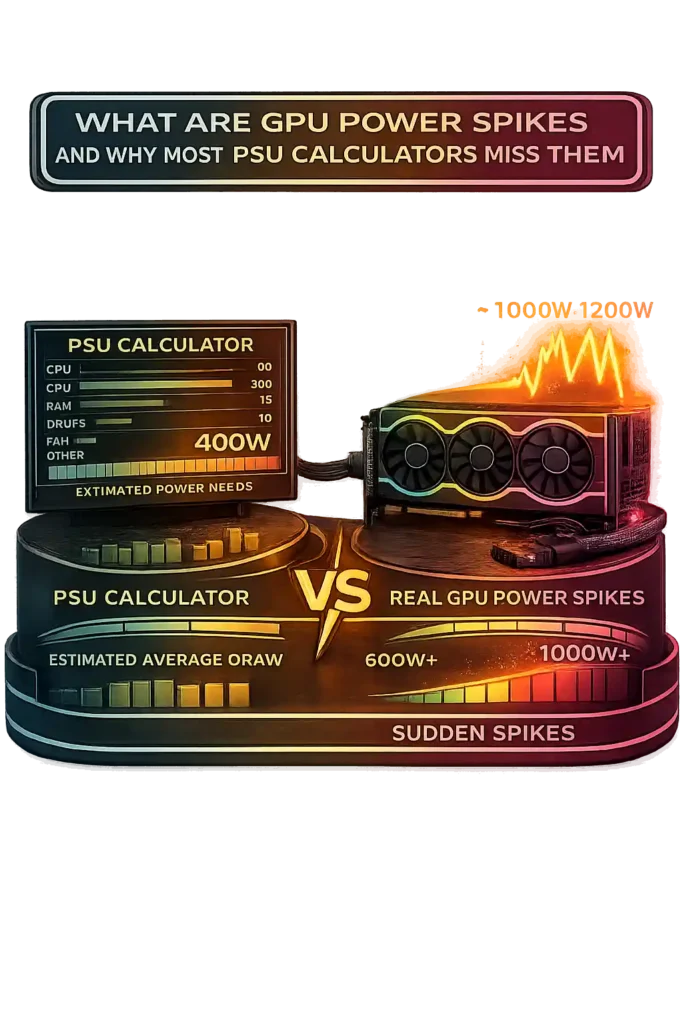
What Are GPU Power Spikes and Why Most PSU Calculators Miss Them
GPU power spikes, also called transient load spikes, are ultra-short bursts where a graphics card pulls far more than its rated board power. Modern RTX power excursion behavior shows that some GPUs can briefly spike 2×–3× their average gaming load for just a few milliseconds.
Most PSU calculators estimate based on sustained TDP or average draw. They do not measure microsecond-level excursions. That creates a gap between recommended wattage vs real demand. On paper, the numbers look fine. In reality, sudden spikes stress the power supply.
If the PSU lacks proper transient response, especially older ATX 2.x units, the system may shut down, reboot, or show system crashes under load. Total wattage alone does not guarantee stability. Transient handling matters just as much as capacity for modern GPU reliability.
Best PSU Wattage for Gaming, Streaming, Editing & AI Workloads
PSU needs depend on workload intensity and how long the system stays under load. A quick gaming session does not stress hardware the same way as hours of rendering or AI processing. Choosing the best PSU for gaming or professional tasks means looking at sustained draw, not just GPU model.
Higher resolutions increase GPU workload significantly, and higher pixel counts directly impact rendering demand and visual sharpness, which you can evaluate using our Pixel Density Calculator. You can calculate pixel scaling impact using our Resolution Scaling Calculator.
For gaming-only builds, a mid-range GPU in the 200–300W range paired with a 65–125W CPU usually fits within a 550W–750W unit. The exact size depends on power supply headroom and future upgrade plans. This range works well for most balanced gaming PCs.
A PSU for streaming setup needs more capacity, especially when encoding video or working with frame-accurate editing timelines where precise frame calculations matter, tasks that can benefit from tools like our Timecode to Frame Converter. Streaming adds CPU load and often includes a capture card and extra storage. Depending on GPU tier, 650W–850W gives safer stability during combined gaming and encoding workloads.
Power supply for 3D rendering or heavy content editing must handle long-duration full-load usage. High-end CPUs and GPUs running together can justify 750W–1000W, especially in workstation-class builds.
AI PC power requirements are higher. Stable Diffusion GPU power draw can exceed 300–450W continuously. ML workstation PSU planning for multi-GPU setups often reaches 1000W–1600W or more.
Overclocking power consumption increases voltage and total draw. Adding a 20–30% buffer beyond calculated wattage is essential.
Recommended PSU Wattage by GPU Tier (2026 Guide)
Recommended PSU by GPU depends mostly on GPU tier and total system load. The chart below shows a quick gaming PC PSU chart for common 2026 cards.
| GPU Model | Typical Board Power | Recommended PSU |
|---|---|---|
| RTX 4060 | ~115W | 550W |
| RTX 4070 | ~200W | 650W |
| RTX 4080 | ~320W | 750W |
| RTX 4090 | ~450W | 850W–1000W |
| RX 7800 XT | ~263W | 750W |
This GPU power tier guide assumes a modern 65–125W CPU, single GPU setup, and 20–30% safety headroom. It also assumes a quality 80 PLUS Bronze or higher unit for stable delivery. For example, the RTX 4070 wattage recommendation of 650W works well in balanced builds, while the RTX 4090 PSU requirement often reaches 850W or more due to higher sustained draw and transient spikes. The RX 7800 XT power supply recommendation reflects similar mid-to-high tier demand.
If you plan overclocking or future GPU upgrades, stepping up one tier provides extra stability. For exact build numbers, use a PSU calculator based on your full component list. To see how your GPU choice impacts gaming performance, check expected frame rates using our FPS Calculator.
Recommended PSU Wattage by GPU, CPU Tier, Upgrade Headroom & ATX Version (2026 Guide)
This gaming PC PSU chart 2026 combines PSU wattage by GPU tier, real gaming draw, GPU transient spike range, and future-proof PSU planning. It reflects practical sizing based on modern ATX 3.0 PSU requirement trends.
| GPU Model | Tier | Gaming Draw | Transient Spike | PSU (Balanced) | PSU (OC) | PSU (Upgrade) | Min PSU | ATX 3.0 | PCIe 5.0 | Efficiency | PSU Tier | Suitable For |
|---|---|---|---|---|---|---|---|---|---|---|---|---|
| RTX 4060 | Entry | ~115W | 200–250W | 550W | 650W | 650W | 500W | No | No | Bronze/Gold | B Tier+ | 1080p |
| RTX 4070 | Mid | ~200W | 350–400W | 650W | 750W | 750W | 600W | Recommended | 12VHPWR | Gold | A/B Tier | 1440p |
| RTX 4080 | High | ~320W | 500–600W | 750W | 850W | 850W–1000W | 700W | Yes | 12VHPWR | Gold/Platinum | A Tier | 4K |
| RTX 4090 | Enthusiast | ~450W | 800–900W | 850W–1000W | 1000W+ | 1200W | 800W | Yes | 12VHPWR | Gold/Platinum | A Tier | 4K/Rendering |
| RX 7800 XT | High | ~263W | 400–500W | 750W | 850W | 850W | 650W | Recommended | No (8-pin) | Gold | A/B Tier | 1440p |
These recommendations assume a 65–125W CPU, single GPU setup, 20–30% safety headroom, and a quality PSU platform. RTX 4090 power supply recommendation increases due to higher sustained draw and spike behavior. High-tier GPUs benefit most from ATX 3.0 PSU requirement compliance and PCIe 5.0 connector support.
For exact component combinations, use a PSU calculator to refine your final wattage selection.