
I use this timecode to frames calculator when I need the exact total frame count fast. You just enter the timecode and frame rate fps, and it converts timecode into frames instantly. Since frames per second control the math, the frame rate always matters. This helps a lot in video editing and post production, especially when working on broadcast standard timelines where timing must stay precise.
Timecode follows the HH:MM:SS:FF format. That means hours, minutes, seconds, and frames. The frame rate fps decides how many frames exist in each second, which changes the total frame count.
• 24 fps cinema standard
• 25 fps PAL regions
• 30 fps NTSC standard
• 60 fps high motion video
For example, 00:01:00:00 at 30 frames per second equals 1,800 frames. That is 60 seconds multiplied by 30.
If you need the reverse process, you can also use our frames to timecode converter tool.
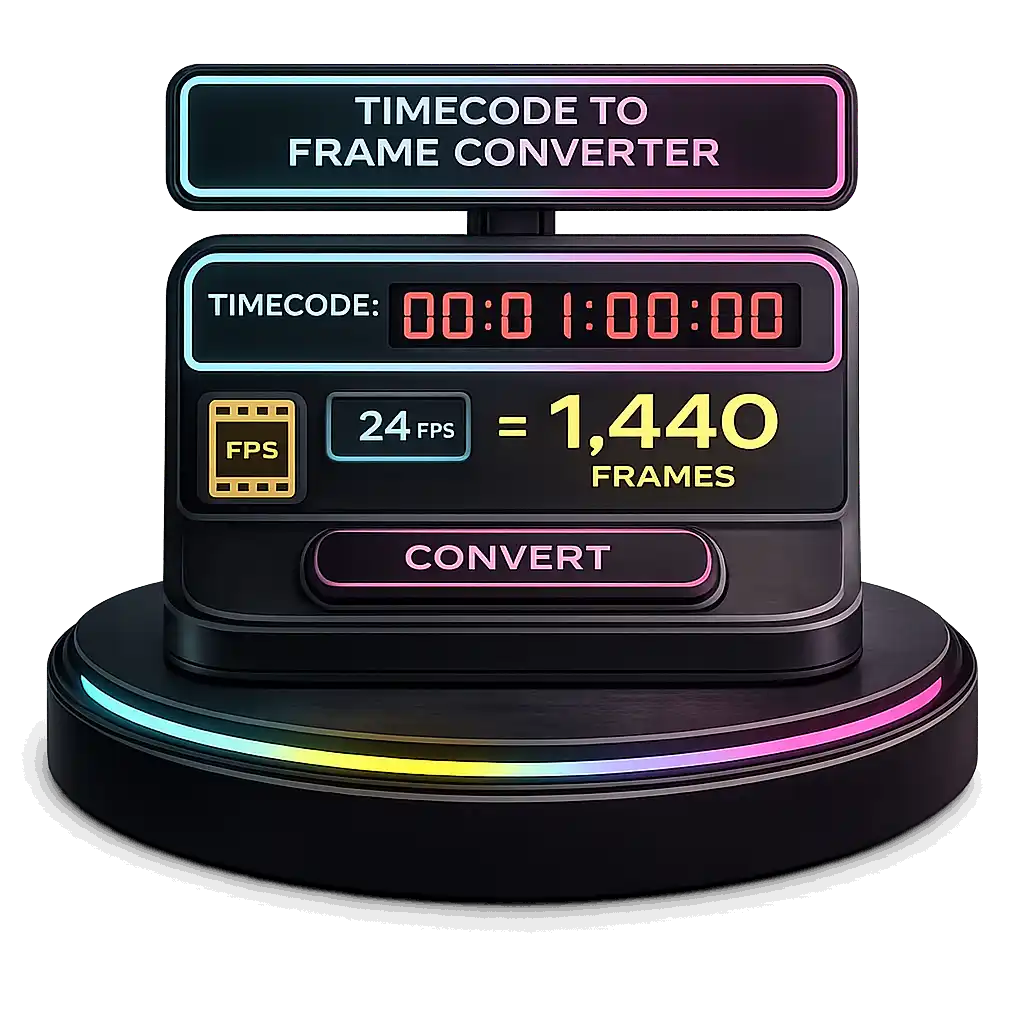
How To Use Timecode to Frame Converter Video
What Does Timecode Mean in Video Editing?
I look at video timecode as a frame level ID system. It gives every single frame its own frame number so nothing gets lost. In video production, this helps me jump to exact spots, sync audio, and keep edits clean. Editors rely on it for frame accurate editing, especially in post production workflow and broadcast standard projects where timing must stay exact, and stable rendering performance often depends on correct system sizing using a PSU wattage calculator.
HH:MM:SS:FF
HH means hours. MM means minutes. SS means seconds. FF means frames. The last part counts frames per second based on the chosen fps.
For example, 00:08:35:13 shows 8 minutes, 35 seconds, and 13 frames. But the total frame number depends on frames per second. At 30 fps, each second holds 30 frames, so the math changes with different frame rates.
Professional systems follow SMPTE timecode format set by the Society of Motion Picture and Television Engineers. In 29.97 fps NTSC broadcast systems, drop frame timecode prevents long timing drift during extended recordings.
What Does Frame Rate FPS Mean?
I think of frame rate as how many pictures show every second in a video. That is what frames per second or fps means. If a video runs at 30 fps, it shows 30 images each second during video playback. The frame rate controls motion smoothness, so changing it changes how the video feels to watch.
When fps is low, motion looks jumpy. At 12 fps, movement feels choppy because fewer frames appear each second. But at 60 fps, motion looks very smoothwhich is exactly why gamers often compare performance differences using an FPS calculator to see how frame rate impacts real-world smoothness. That is why sports and high motion content often use high frame rate settings.
More frames per second create smoother motion on screen, similar to how higher display Hz improves motion clarity when tested with a refresh rate test. And if you’re evaluating how resolution and screen size affect visual sharpness during playback, our Monitor Size Comparison helps compare pixel density and viewing distance.
24 fps became the cinematic standard in the late 1920s when sound films needed a steady speed for audio sync. And motion blur at 24 fps helps create the classic film look. Higher frame rates like 60 fps can look sharper but sometimes feel too real, and visual sharpness also depends on screen clarity, which you can measure using a pixel density calculator.
24 fps cinema standard
25 fps PAL broadcast Europe
29.97 fps NTSC standard introduced in 1953
59.94 fps sports and live TV
23.976 fps film adapted for NTSC
BBC Academy explains how PAL broadcast and NTSC standard systems use different frame rate formats in television broadcast systems.
How Do I Convert Timecode into Total Frames?
I usually convert timecode to frames when I need the exact total frame count for a timeline. You just enter the HH:MM:SS:FF value, choose the frames per second, and the tool handles the frame calculation, one of many performance and media utilities available on our main calculator hub at Bottleneck Calculator Online. The FPS conversion matters a lot because different frame rates change the result inside your video editing workflow.
Total Frames = (Hours × 3600 + Minutes × 60 + Seconds) × FPS + Frames
Let’s use this timecode example:
00:08:35:13
That equals 8 minutes and 35 seconds, plus 13 frames.
Here’s how the total frame count changes with different frames per second:
12 fps → 6,193 frames
24 fps → 12,373 frames
30 fps → 15,463 frames
See how fps selection changes everything? See how fps selection changes everything? The same applies when adjusting internal render resolution using a resolution scaling calculator, where performance and frame output shift instantly.
That is why accurate frame calculation matters in professional timeline based NLE systems to avoid sync errors. For NTSC projects at 29.97 fps, drop frame timecode can slightly adjust long duration counts.
If you are also working with storage planning, you can check our video file size calculator too, and for multi-drive setups, a RAID calculator helps estimate usable capacity and redundancy.
Drop Frame vs Non Drop Frame Timecode Explained
I’ve seen many people get confused here. Drop frame timecode and non drop frame sound like one removes video frames. But that is not true. The confusion usually happens in 29.97 fps NTSC broadcast projects where timing drift becomes a real issue.
Drop frame timecode works in 29.97 fps systems created after the NTSC color standard was introduced in 1953. Since 29.97 fps is slightly slower than true 30 fps, that small 0.03 fps difference causes about 3.6 seconds of timing drift per hour if nothing corrects it. Drop frame timecode fixes this by skipping specific frame numbers, not actual video frames. The video stays complete. Only the frame numbering adjusts. It usually skips frame numbers at set intervals except every tenth minute. You can spot it because SMPTE timecode often uses a semicolon format like HH:MM:SS;FF.
Non drop frame timecode counts every frame number in order. In 29.97 fps NTSC broadcast systems, this causes timing drift over long durations. Film production workflows often use non drop frame, while U.S. broadcast television delivery relies on drop frame for proper video synchronization.
Adobe Premiere Pro documentation clearly explains that drop frame corrects timing discrepancies in 29.97 fps broadcast standards.
How Do I Calculate Timecode with Custom Frame Rates Like 23.976 or 59.94?
I’ve worked with custom frame rates like 23.976 fps and 59.94 fps, and they can look confusing at first. These are fractional frame rates used in NTSC standard systems. They came from the 1953 NTSC color adjustment. Instead of using exact 24 or 60 fps, the system slightly reduced the rate to keep video broadcast signals stable.
23.976 fps equals 24 multiplied by 1000 divided by 1001. And 59.94 fps equals 60 multiplied by 1000 divided by 1001. So they are not whole numbers. That small decimal difference matters in timecode conversion and precise timing, especially in long projects.
Total Frames = (Total Seconds × FPS) + Frames
For example, 1 minute at 59.94 fps equals 60 × 59.94 = 3,596.4 frames. Since frames cannot be partial, professional systems handle rounding internally during frame calculation.
Most NLE software uses timebase rounding to prevent drift over long durations. Digital streaming services often deliver masters at 23.976 fps because it works well for both cinema and video broadcast workflows.
How Do I Split Total Runtime Evenly Across Multiple Credit Slides?
I usually do this when I need clean end credits timing in a video editing timeline. If I have sponsor slides or title cards, I want each one to show for the same credit cards duration. The process is simple math. You divide the total runtime by the number of slides.
Duration per Card = Total Runtime ÷ Number of Cards
First, convert the timecode into total seconds. Frame rate does not matter during the division step. It only matters when converting back to HH:MM:SS:FF format.
Here’s how I do it:
• Convert runtime to seconds
• Divide by number of cards
• Convert seconds back to timecode
Example:
Total runtime = 02:00
That equals 120 seconds.
If I have 6 credit slides:
120 ÷ 6 = 20 seconds per card
After that, I convert 20 seconds back into timecode.
In real projects, editors often round to the nearest whole frame to avoid tiny timing gaps. And consistent end credits timing helps pacing, especially in broadcast and streaming deliverables.
Understanding SMPTE Timecode and Its Broadcast Origins
SMPTE timecode is a standardized frame numbering system used in professional video. The Society of Motion Picture and Television Engineers created this system so every frame in a video has a precise label. SMPTE timecode supports modern digital production workflows in film, television broadcast standards, and live event production. It ensures accurate video synchronization across editing systems and broadcast timing requirements.
The issue began with the NTSC color standard introduced in 1953. Original black and white television ran at 30 fps. When color was added, engineers adjusted the rate to 29.97 fps to prevent interference between color and audio signals. Technically, the new rate became 30 multiplied by 1000 divided by 1001. That small 0.1 percent slowdown created a new problem.
Since 29.97 fps does not equal true 30 fps, timing drift builds over long durations. The difference causes about 3.6 seconds of drift per hour in broadcast timing.
To solve this, engineers developed drop frame timecode. It does not remove real frames. Instead, it skips specific frame numbers at defined minute intervals, except every tenth minute. This mathematical correction keeps clock time aligned with television broadcast standards.
Frame Rate Comparison Table
I like seeing frame rates side by side because small differences can change how a project behaves in broadcast or online delivery. Some look almost the same, but they are not. That tiny decimal difference matters in timecode and sync work, similar to how small nanosecond differences impact system responsiveness in a RAM latency calculator.
| Frame Rate | Exact FPS | Common Use Case |
|---|---|---|
| 23.976 | 24000 ÷ 1001 | Film for broadcast delivery |
| 24.000 | True 24 | Cinema projection standard |
| 25 | 25.000 | PAL broadcast regions |
| 29.97 | 30000 ÷ 1001 | NTSC broadcast standard |
| 59.94 | 60000 ÷ 1001 | Broadcast HD and sports |
| 60 | True 60 | Web video and gaming content |
Even though 23.976 and 24 look close, they behave differently in television systems. Same with 59.94 and true 60. In professional workflows, choosing the correct frame rate prevents timing drift and playback issues. Broadcast HD and sports production often require long rendering sessions, and if you’re calculating workstation energy usage, an electricity cost calculator can help estimate long-term operating costs.
Sure. Here are direct, specific answers for each query.
FAQs
How do I convert the timecode to the frame number?
Convert everything to seconds first.
Then multiply by the frame rate.
Then add the frame value.
Total Frames = (Hours × 3600 + Minutes × 60 + Seconds) × FPS + Frames
Example:
00:01:00:00 at 30 fps
60 × 30 = 1,800 frames
How do I express a timecode?
Timecode uses this format:
HH:MM:SS:FF
HH = Hours
MM = Minutes
SS = Seconds
FF = Frames
Example:
01:15:30:12
In 29.97 fps NTSC broadcast systems, drop frame timecode uses a semicolon:
HH:MM:SS;FF
What is the frame number corresponding to 01:31:50:18?
First convert to seconds:
1 hour = 3,600 seconds
31 minutes = 1,860 seconds
50 seconds = 50 seconds
Total = 5,510 seconds
At 30 fps:
5,510 × 30 = 165,300
18 frames
Final Answer: 165,318 frames
How many frames are in an hour?
1 hour = 3,600 seconds
At 24 fps → 86,400 frames
At 25 fps → 90,000 frames
At 30 fps → 108,000 frames
At 29.97 fps → 107,892 frames
The slight difference at 29.97 fps is why drop frame timecode is used in broadcast systems.