
Top 5 Video Repair Software [2026 Guide]
Ever wondered what if you captured a very important video and it stops playing all of a sudden? If your video is not playing at all or displaying an error, it’s important to immediately apply adequate video repair workarounds. Whether your video is corrupt or damaged due to interrupted transfers, power failures, codec conflicts, or software bugs, there’s always a chance to fix it.
Fortunately, there are multiple video repair methods and third-party tools available online that you can try to fix playback issues in your videos. In this article, we’ll explore the Top 5 Video Repair Tools you should consider in 2026, grouped by their key features and special use cases.
Best 05 Video Repair Software to Try
Issues such as sudden video damage can occur at any time. In such a case, manual DIY video repair workarounds can be time-consuming and may fail to give the desired result. However, you can use third-party video repair software to fix your damaged videos. But choosing the best repair tool for you can be challenging.
Here we’ve shortlisted the top 5 video repair software that you can check and compare to fix your damaged video files:
01: Stellar Repair for Video
02: 4DDiG Video Repair
03: EaseUS Fixo Video Repair
04: Remo Video Repair
05: Yodot Video Repair
Let’s explore these video repair software options in detail:
01: Stellar Repair for Video
Stellar Repair for Video is a professional video repair software designed to fix corrupted, damaged, or unplayable video files from almost any source. The software supports repairing of damaged video files of several file formats, including MP4, MOV, AVI, MKV, FLV, and more. It is also compatible with popular video codecs such as H.263, H.264, H.265 (HEVC), and MPEG4. This video repair software is compatible with both Windows and macOS devices, and can repair videos from cameras, drones, smartphones, CCTV, and other storage media.
Key Features
- It uses sample files to reconstruct severely damaged videos with improved chances of success.
- The simple and intuitive interface of this software makes it user-friendly even for beginners.
- The preview feature lets you preview the repaired files before saving them on your device.
- Can repair multiple video files simultaneously, saving time on bulk tasks.
Here’s how to repair damaged video using the Stellar Repair for Video software:
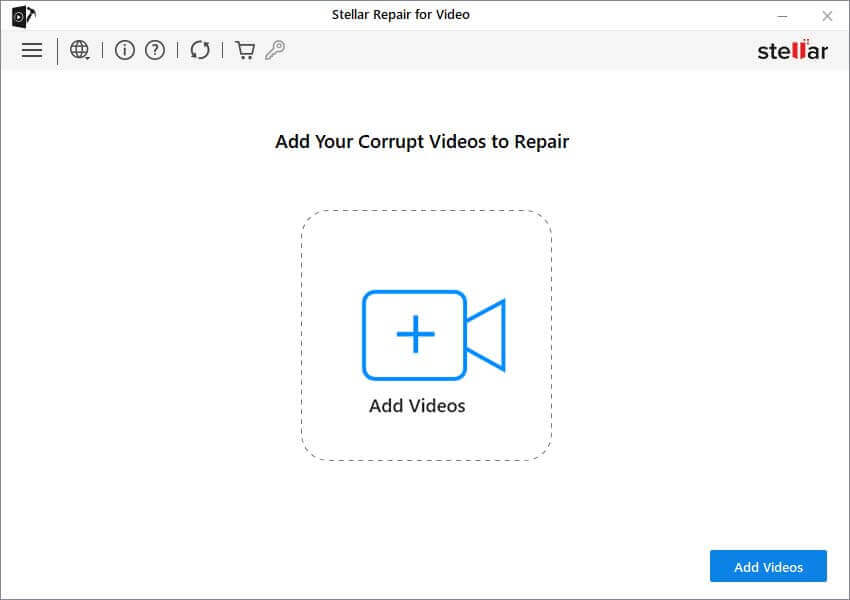
Step 1: Download and install the Stellar Repair for Video software on your PC. Launch the software and from the homepage, click Add Videos to upload the video file you need to repair.
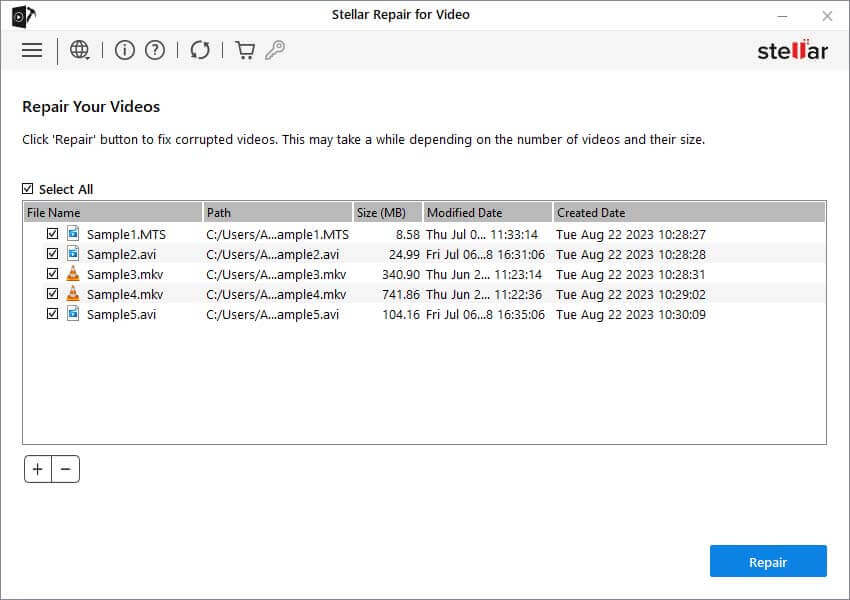
Step 2: Click Repair to initiate the repair process and wait till the process completes.
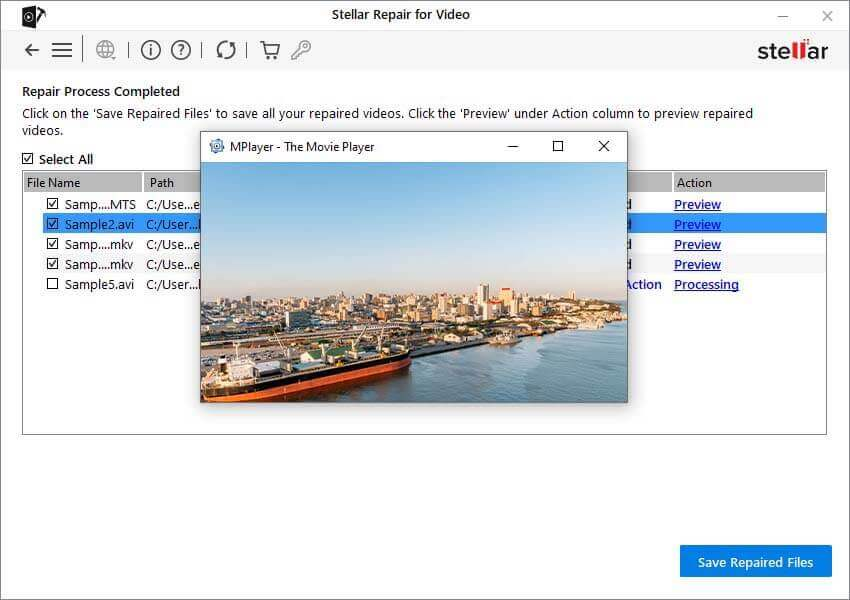
Step 3: Once your video is repaired, preview it and click Save Repaired Files to save it back to your device.
Special Use Case:
Best for anyone who needs reliable, professional-level repair, especially when dealing with severely corrupted files or multiple video formats.
02: 4DDiG Video Repair
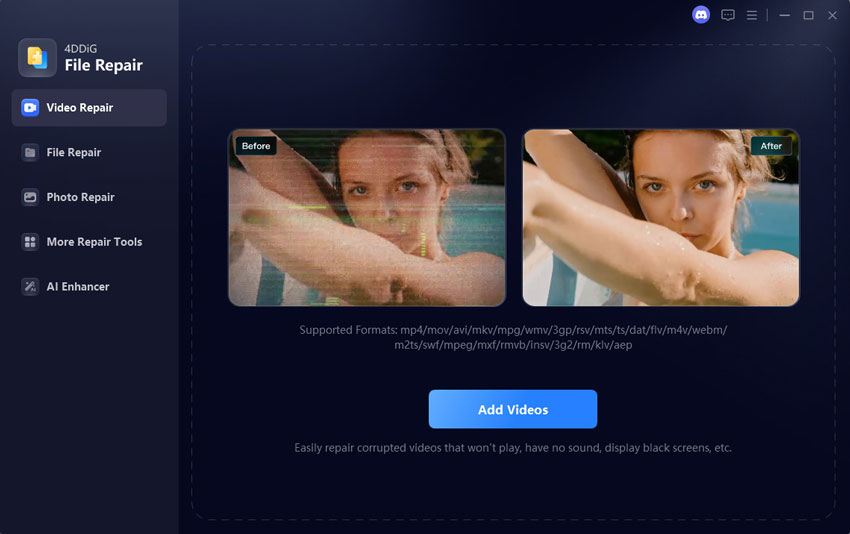
4DDiG Video Repair is a feature‑rich video repair software designed to fix corrupted, unplayable, or poor‑quality video files quickly and effectively. The software supports the repair of video files stored on hard drives, SD cards, USB drives, and many other internal or external storage media. It supports a wide range of video formats — including MP4, MOV, AVI, MKV, M4V, FLV, and more. You can use this software to repair videos damaged due to several reasons, including video playback errors, choppy motion, audio‑video sync problems, and frozen frames.
Key Features:
- Its preview feature allows you to preview repaired video files before exporting them to your device.
- Lets you repair multiple videos at once, saving time when handling large projects.
- The software supports repairing damaged video files in three steps, i.e., Select, Repair, and Save.
- 4DDiG works on both Windows and macOS, and supports batch repairs, which saves time when dealing with multiple files.
Special Use Case:
Ideal for recovering and enhancing videos from cameras, drones, and professional shoots with advanced AI tools.
03: EaseUS Fixo Video Repair
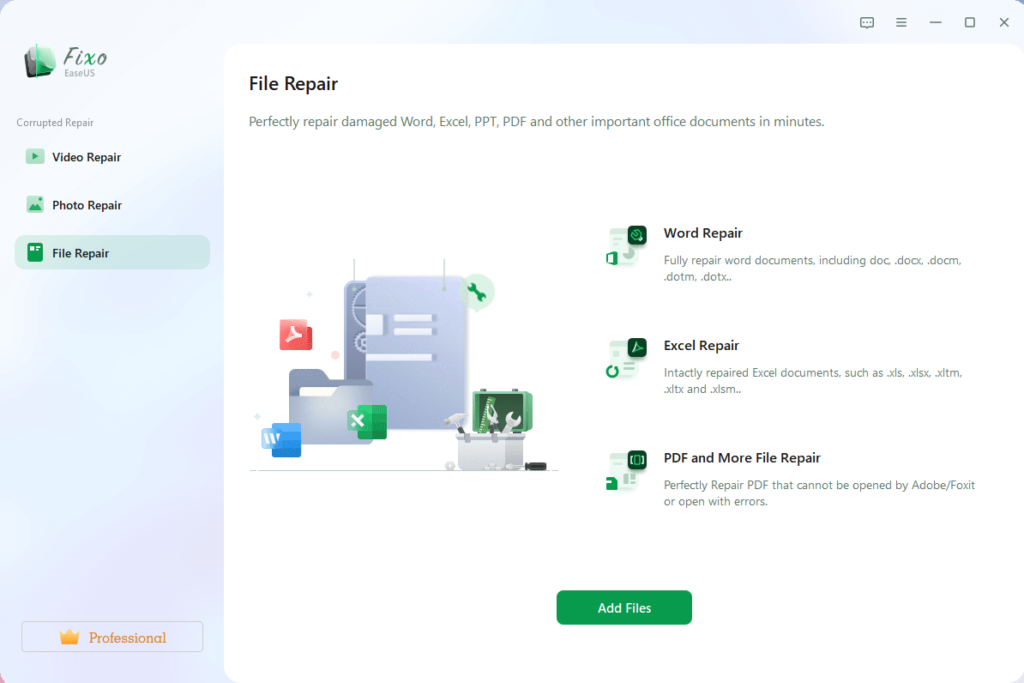
EaseUS Fixo Video Repair is a reliable tool designed to repair corrupted, damaged, or unplayable video files of several file formats, including MP4, MOV, AVI, MKV, and more. The software supports the repair of damaged video files recorded on smartphones, drones, cameras, and other devices. You can easily repair video issues such as videos that won’t open, black screens, choppy playback, blurry visuals, or improper audio-video syncs.
Key Features:
- Supports both Quick Scans (to fix minor issues quickly) and Advanced Repair (to rebuild severely corrupted files effectively).
- You can preview repaired videos before exporting, ensuring only the required files are saved.
- Repair damaged videos in three steps: Add the damaged videos, run the repair process, and save the repaired files with minimal effort.
Special Use Case:
Ideal for users demanding a simple interface and automated repair process without requiring technical expertise or complex configuration.
04: Remo Video Repair
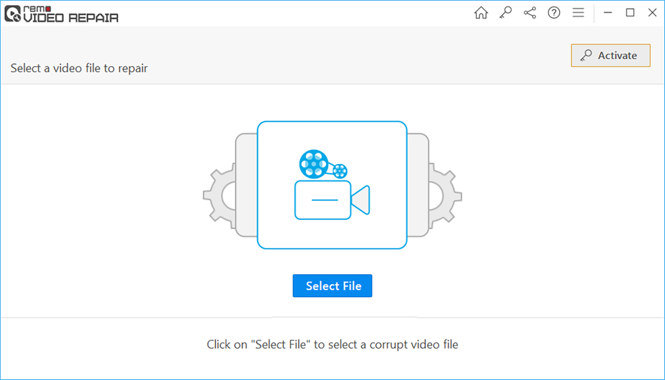
Remo Video Repair is a specialised software known for its simple and intuitive interface, which you can use to repair damaged videos in just a few clicks. The software uses advanced repair algorithms that analyse the corrupted file structure, identify the damaged components, and rebuild the video to make it playable again. It supports repairing videos not playing due to stuttering playback, audio-video synchronisation issues, missing codecs, or corrupted headers. Its compatibility with many devices and formats makes it suitable for both casual users and professionals.
Key Feature:
- Repairs major video formats such as MP4, MOV, AVI, DIVX, and XVID, captured from cameras, smartphones, drones, and other devices.
- Supports repairing of videos captured from DSLRs, drones, CCTV cameras, smartphones, and camcorders.
- Ensures the original video remains unchanged during repair, protecting it from accidental modification or further corruption.
Special Use Case:
Best for users who want a secure repair process that protects the original file through read-only repair mode.
05: Yodot Video Repair
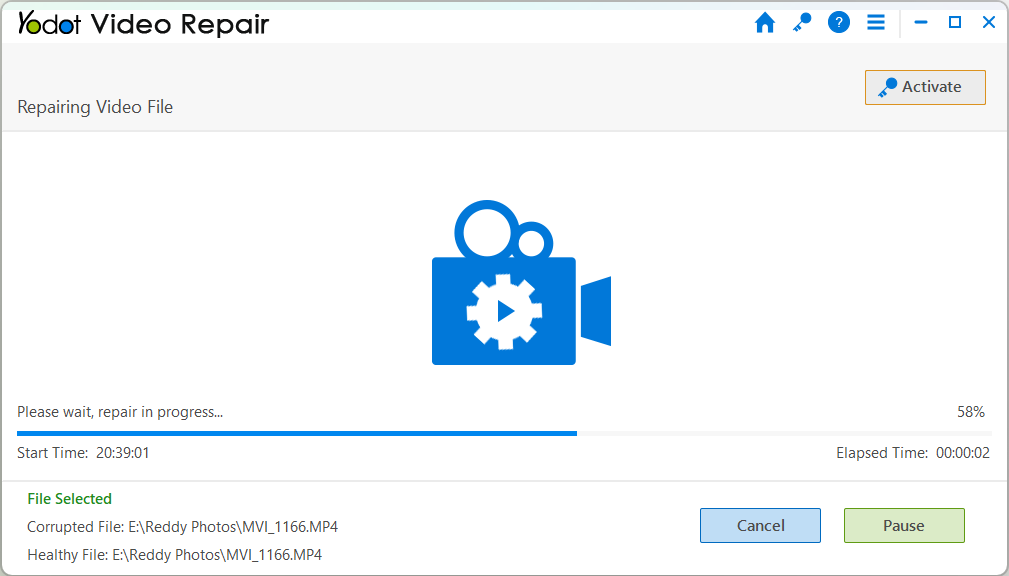
Yodot Video Repair is a lightweight yet effective video repair software designed to repair video files of different file formats, such as MOV, AVI, MP4, XVID, and DIVX. The software is compatible with both Windows and macOS and supports repairing videos damaged due to stuttering playback, missing audio, corrupted headers, and unsupported format errors. Its compatibility with many devices and formats makes it suitable for both casual users and professionals.
Key Features:
- Ensures the original video remains unchanged during repair, protecting it from accidental modification or further corruption.
- Compatible with videos recorded on Canon, Nikon, Sony cameras, GoPro devices, drones, smartphones, and other multimedia devices.
- Repair videos on a copied file to protect the original corrupted file from modification or additional damage.
Special Use Case:
Ideal for users who want a straightforward and easy-to-use tool to repair damaged videos without technical expertise.
Quick Comparison: Top 5 Video Repair Software of 2026
Here’s a quick glimpse of the aforementioned top 5 software tools that we’ve discussed to repair your corrupted or damaged video files:
| Software | Supported Formats | Batch Repair | Preview Before Saving | Advanced Repair (Sample File) | Ease of Use |
| Stellar Repair for Video | MP4, MOV, AVI, MKV, FLV, etc. | Yes | Yes | Yes | Beginner-friendly |
| 4DDiG Video Repair | MP4, MOV, AVI, MKV, M4V | Yes | Yes | Yes | Easy interface |
| EaseUS Fixo Video Repair | MP4, MOV, MKV, AVI | Yes | Yes | Yes | Very beginner-friendly |
| Remo Video Repair | MP4, MOV, AVI | Limited | Yes | No | Simple |
| Yodot Video Repair | MOV, MP4, AVI | Limited | Yes | No | Simple |
Wrapping Up
If you are having damaged or corrupt video files, go with the above top 5 video repair software tools to fix them in quick steps. These tools are known for their compatibility with different recording devices and several storage media. Whether you’re saving precious memories or fixing media for work projects, these top tools in 2026 offer reliable paths to restoring your video files. Carefully compare their features and then choose the one that best fits your needs.