How to Convert Recovered PDF Files into Editable Documents
One of the most frequent instances that a user may encounter is that he or she manages to restore a PDF file, and then he or she finds out that the file opens but cannot be edited effectively. This article provides a general overview of how to convert a recovered pdf file into editable documents.
Why Recovered PDFs Are Hard to Edit
In a recovered PDF, PDF information is restored based on blocks of storage that are in fragments. The process is more concerned with the restoration of visible content as opposed to saving internal structure and metadata. Common problems occur like flattened text that acts as one image, broken or replaced fonts, inappropriate layouts, and pages, etc. Simple conversion applications, like general PDF to Word tools, are usually not successful due to the intact document structure.
Identify the type of Recovered PDF
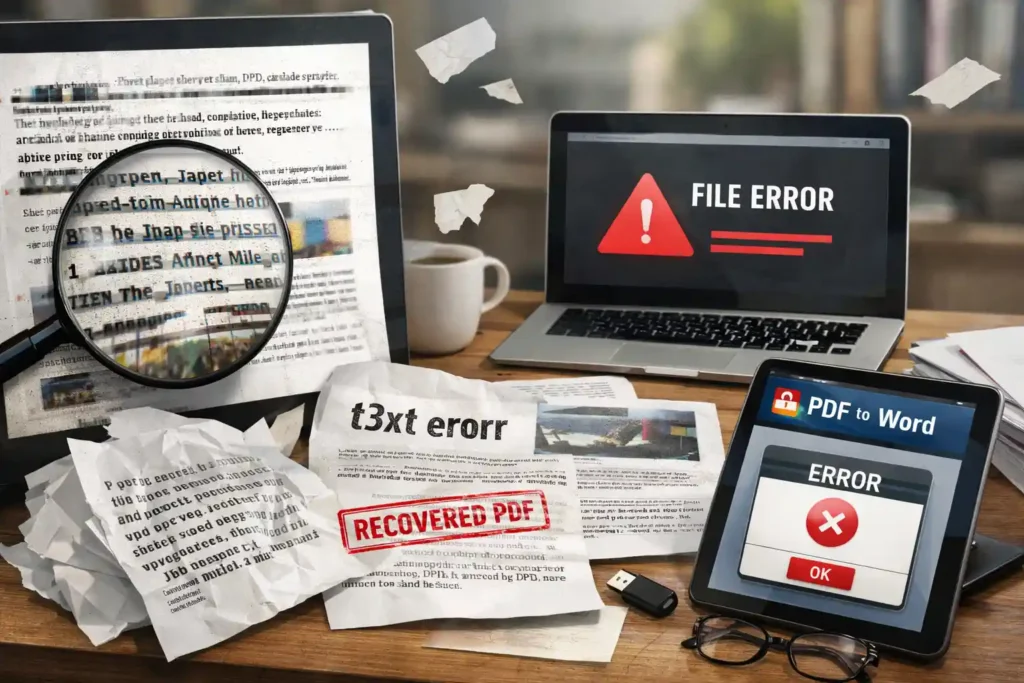
One of the simplest methods of knowing the file type is to attempt to choose text or to search for a word. Certain files that have been recovered are in the form of text, and this enables the selection of text and search. Image-based or scanned PDFs are also used, in which a page is basically a picture. In more intricate situations, the PDF can be partially corrupted, and part of the pages can still be read, while the rest will be damaged.
The Best Conversion Strategy for Each PDF Type
- In case of text-based recovered PDFs, the most suitable technique is direct conversion with the help of an application that would save the layout and font structure as much as possible.
- In case of image-based or scanned PDFs, OCR (Optical Character Recognition) is required. OCR can turn visual text into editable characters and allow one to use the document again.
When the PDFs are damaged, it is usually safer to repair the file and then convert it. In the event that repair tools do not work, page-by-page conversion is more productive than complete conversion.
Tool Selection: What Actually Works for Recovered Files
Normal PDF converters can not work well with recovered files since they are meant to work on clean, undamaged documents. It is important to consider certain factors like quality OCR, robust layout preservation, font reconstruction, and error-handling functionalities while choosing a tool for recovered files. The PDF Editor tool of Canva is one of the possible solutions that can be used to facilitate the process of editing and conversion, particularly in layout-oriented papers. Desktop software has a higher likelihood of control, recovery management, and dependable results in complex or damaged PDFs.
Step-by-Step: Safest Way to Convert a Recovered PDF
- The first step is to make a backup of the recovered file.
- The second step is to check the readability of the file by opening it in several PDF readers to determine visible problems.
- Select the proper conversion for the type of PDF discovered in the previous section.
- Use OCR only when absolutely needed; otherwise, inappropriate OCR will cause errors.
- Once converted, copy the file to an editable file in the format of DOCX or editable PDF and look through the output closely.
Cleaning the Editable Document After Conversion
It is impossible to work with recovered PDFs without the need to do post-conversion cleanup. Such problems are uneven spacing, wrong fonts, misaligned tables, and broken paragraph formatting. Most of these issues can be addressed using the simplest document editing programs, but complicated layouts can require more time.
Conclusion
While the recovered PDFs might open without any issues, editing them involves proper analysis and the proper technique. By recognizing the different types of Recovered PDFs and applying the correct technique, users can ensure the maximum possible quality.